Workspaces
Save whole desks under a name, switch between them, and share one with another trader with nothing private inside.
A workspace is your whole desk: chart windows and their tabs, heatmap windows, every Veil Desk with its tiles and splits, their geometry on your monitors and their panel state. Workspaces are named, so you can keep several — a scalping desk, a review desk — and the last-opened one restores at launch.
Saving and switching
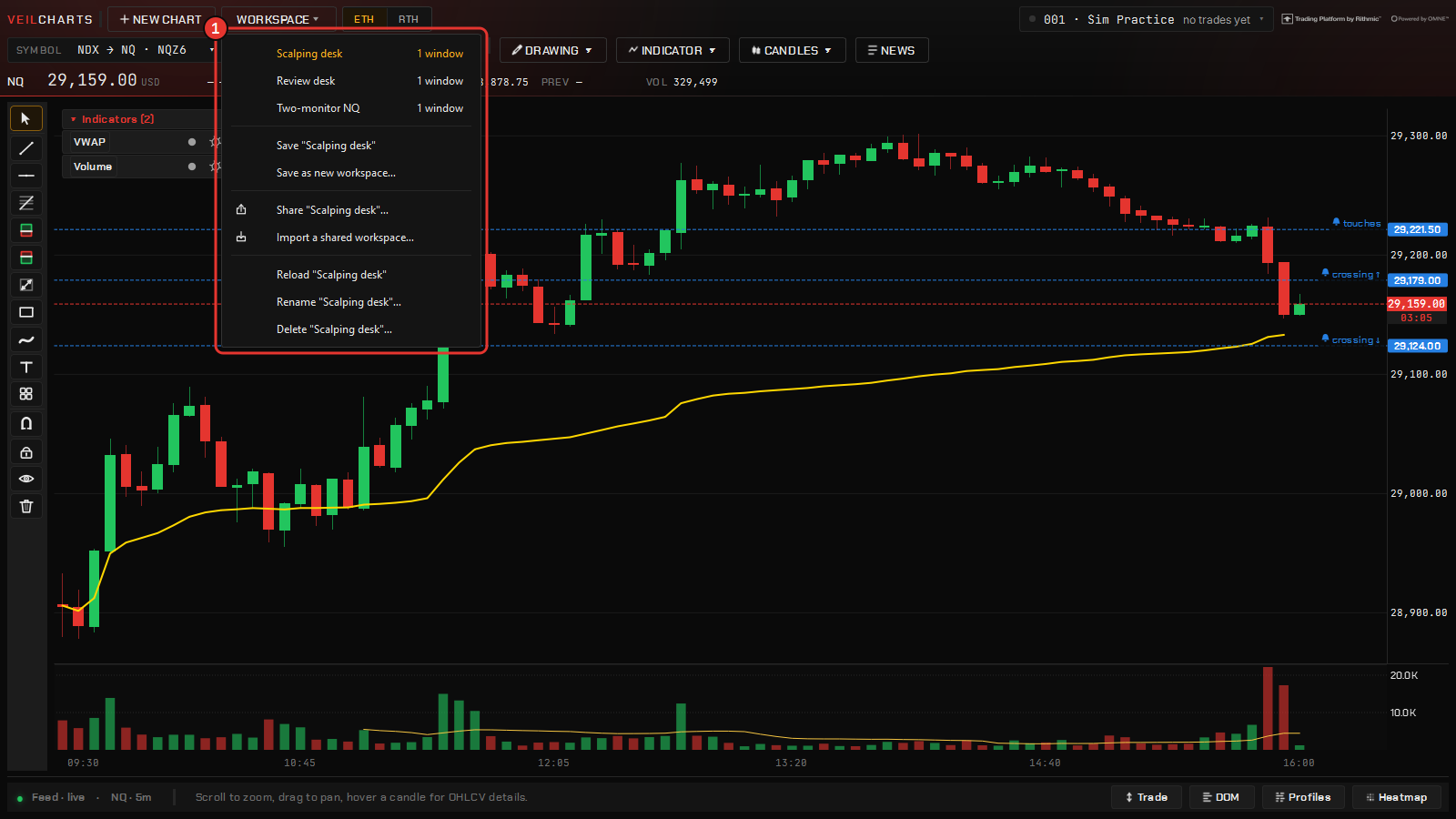
Open the chart’s Workspace menu:
- Save “name” writes the current desk over the workspace you have open; Save workspace as… asks for a new name.
- Pick another name on the menu to switch to it. The windows you have open close and the saved ones open in their place, on the same monitors.
- The Command Center’s Workspaces tab lists them all, to open, rename or delete.
Workspaces are local to the machine and live in the config folder — see Files, updates & seats. Drawings are saved per chart and come back with the workspace; so do per-window colour overrides, docked panels and the desk layout.
Save before you experiment. A workspace is cheap and switching back is one click; rebuilding a desk by hand is not.
Sharing a workspace
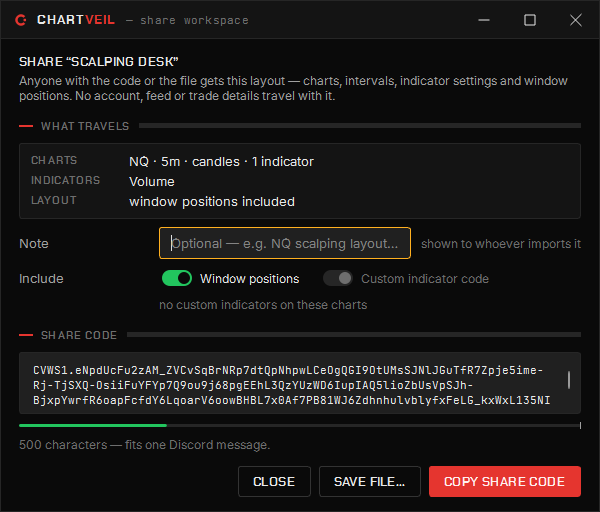
From the Workspace menu pick Share… and the layout becomes either a .cvws file or a paste code beginning CVWS1.. Your own Studio indicators are bundled in; account numbers, keys and personal paths are stripped on the way out, so nothing private travels with it.
The other trader opens Import a shared workspace… — on the Workspace menu or the Command Center’s Workspaces tab — pastes the code or drops the file, and gets the same desk. It works between your own machines too: it is the easiest way to move a layout to a new PC.
Moving to a new computer
Install from the dashboard, sign in with the same licence, and copy the config folder across if you want your desk exactly as it was — settings, workspaces, drawings, templates, accounts and the journal all live there. A single layout can travel on its own as a shared workspace file. Nothing about your account is tied to the old machine.